Convert Framer Website to Next.js or React Code
Learn how to convert a Framer website to Next.js or React code. Compare free HTML export vs structured production code and full migration options.
Turn Your Framer Design into Real Code You Own
Framer is amazing for building websites fast. You can design visually, publish in minutes, and launch without writing code. For many creators, that is perfect.
But as your project grows, things change.
You may want full control over hosting. You may want production-ready code you fully control. You may want better performance and flexibility. You may simply want to own your codebase long term.
That is exactly why I built ConvertFramer.
ConvertFramer gives you two ways to move your Framer website into real code. One is free and fast. The other gives you structured production code and saves a lot of rebuild time. In this article I will explain both options, what to expect, and which one is right for you.
Why Convert a Framer Website to Code
Framer is powerful, but it is still a hosted platform.
Here are common reasons people decide to move away from it:
Platform dependency
Your website runs inside the Framer engine. You do not fully control what happens under the hood.
Hosting and pricing limits
As traffic grows, bandwidth and CMS limits can become expensive.
Limited backend flexibility
If you want advanced APIs, custom authentication, or deep integrations, Framer can feel restrictive.
Long term ownership
Many founders want real production code that they can extend for years without relying on a visual builder.
If you want full control and flexibility, converting your Framer website to code is a logical step.
If you're planning to scale beyond a marketing site, you may also want to understand Why Framer Isn’t a Good Long-Term Choice for Production Apps.
Free Export Framer Website to HTML
The free convert option inside ConvertFramer is built for speed and simplicity.
You paste a published Framer template or website link into the input field.
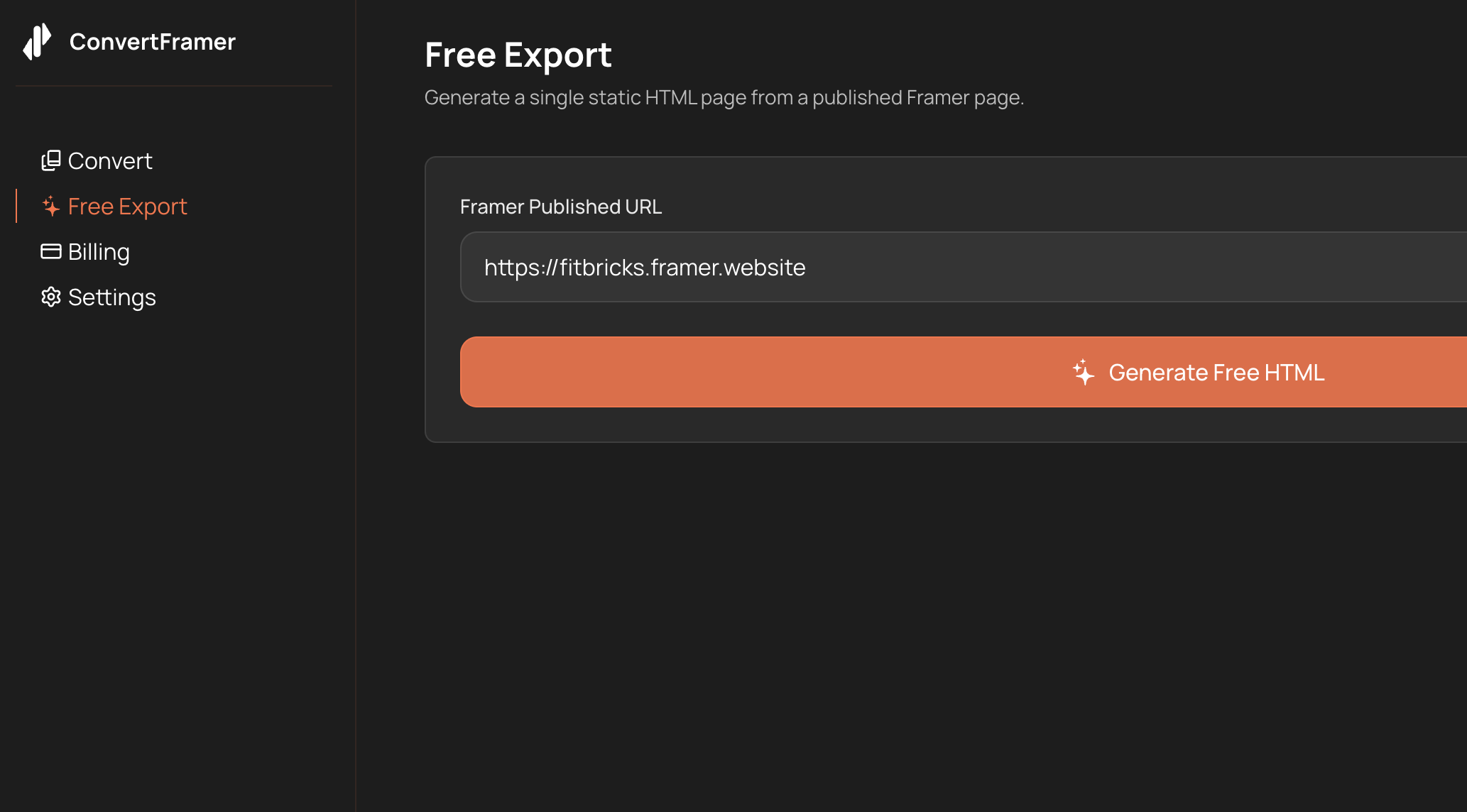
Then the system generates:
- One big HTML file
- All styles included
- Framer engine wrapped inside an HTML shell
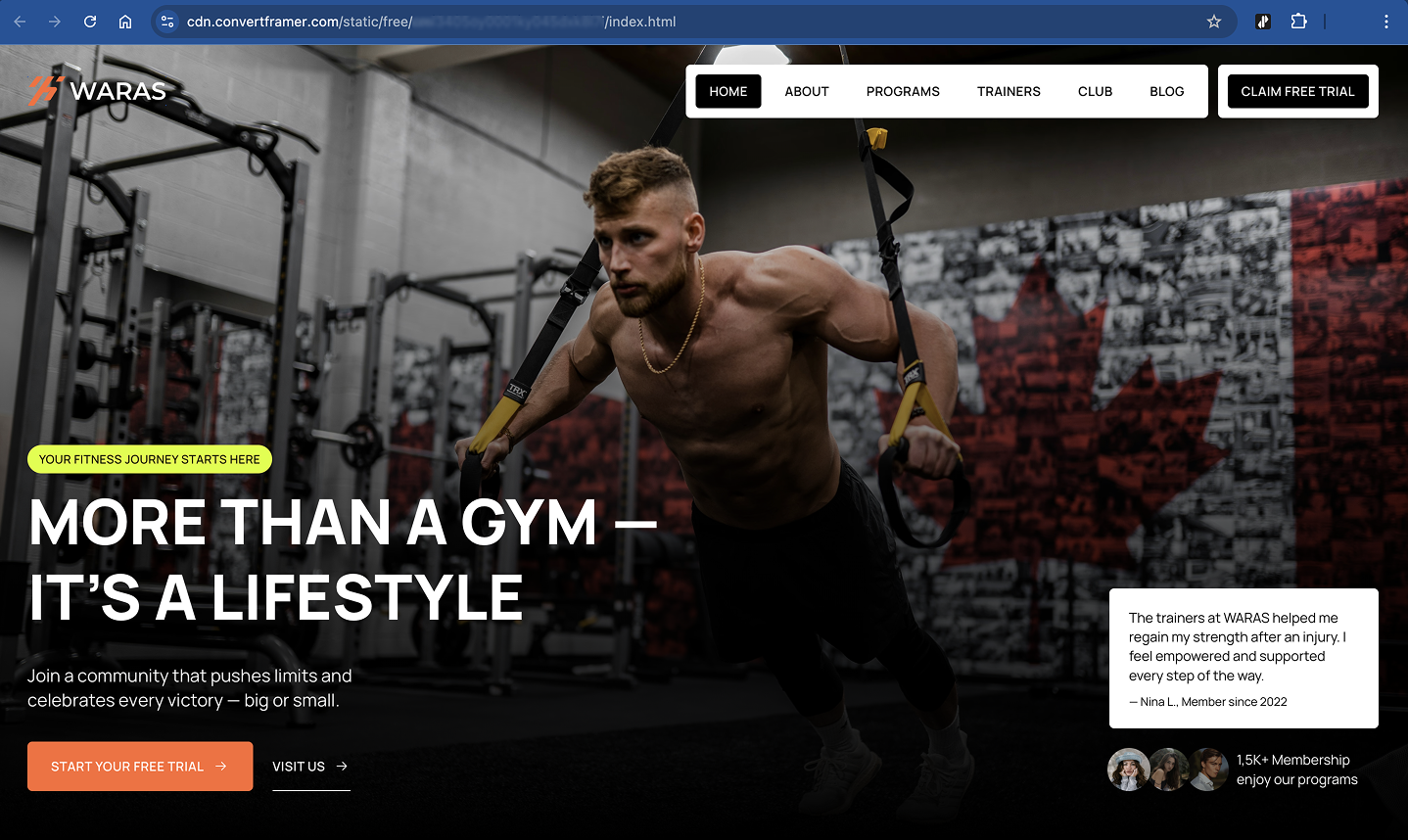
The result is hosted on our CDN. You can preview it in a true one to one version of your website.
Then you can download the HTML file.
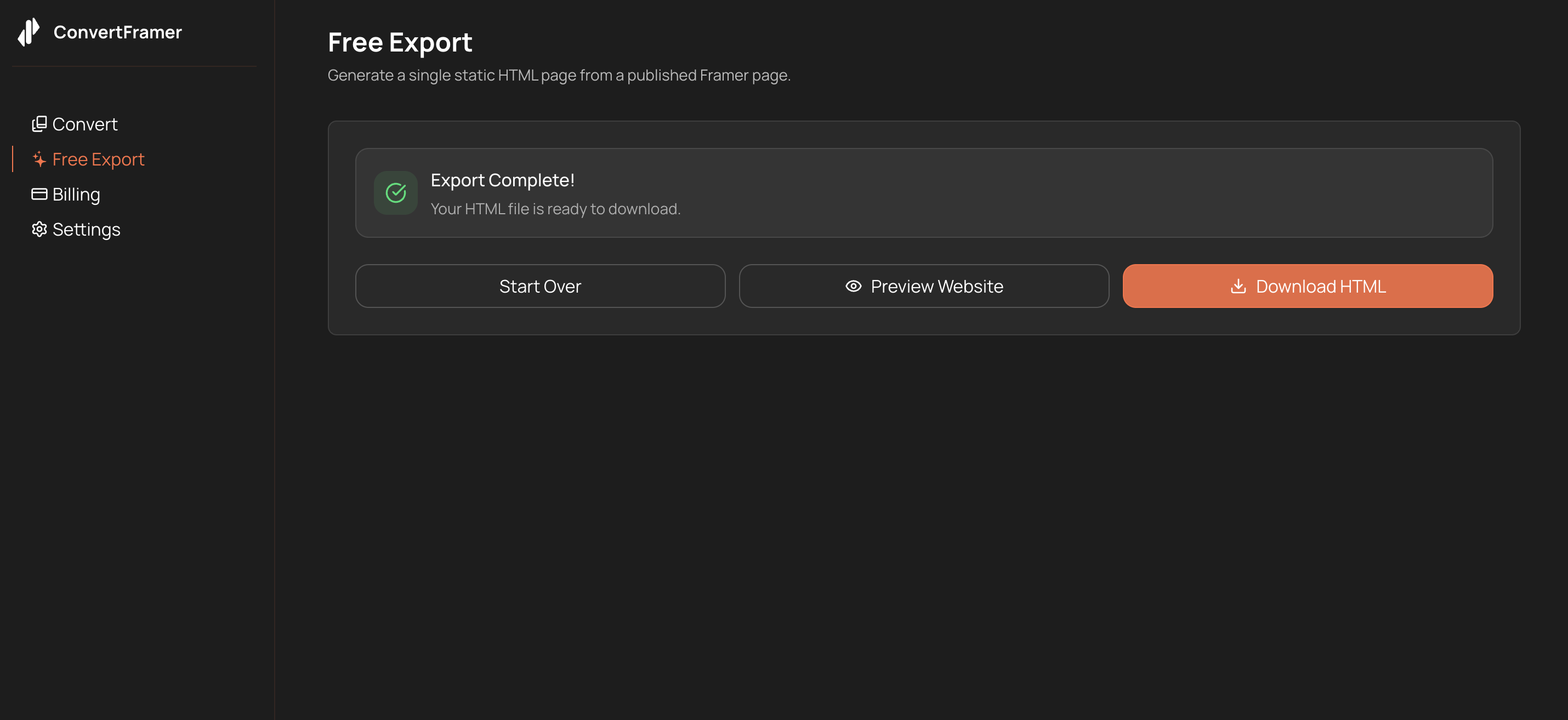
You can upload the exported file to any static hosting provider. The export includes the Framer runtime, so it behaves like your published Framer site in a standalone HTML format.
This option is perfect if:
- You want something very quick
- You need a static snapshot of your site
- You want to host it outside Framer fast
- You do not plan to edit the structure deeply
Important:
Because the export relies on Framer’s hosted runtime assets, the original project must remain published to ensure full functionality.
This is a static snapshot of the code, not a dynamic rebuild.
If you want a deeper breakdown of how Framer exports actually work, read Can You Export Code from Framer? Here’s the Truth.
Paid Convert Framer Website to Production Code
The paid conversion inside ConvertFramer works differently.
Instead of exporting everything into one HTML, it generates structured production code that is detached from the Framer environment.
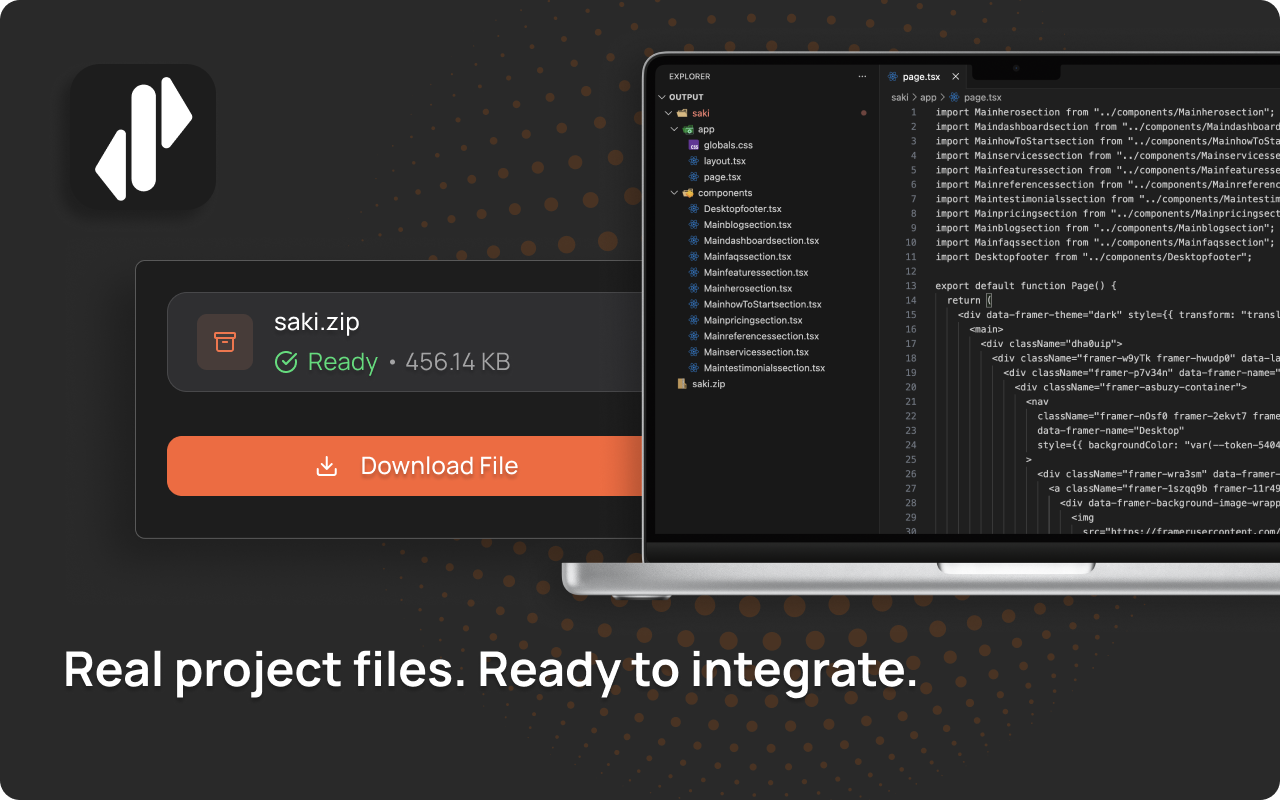
You get:
- Structured React or Next.js components
- Clean layout separation
- Proper layout structure
- A solid production foundation
- Real code detached from the Framer engine
This saves a significant amount of time compared to rebuilding everything manually.
However, it is important to set expectations.
Some final polishing may be needed for:
- Responsiveness
- Light and dark mode
- Animations
- Advanced interactions
Framer designs are visual first. Converting them into clean production code always requires some final polishing.
But instead of starting from zero, you start close to the finish line.
What to Expect from ConvertFramer
The Free Export gives you speed and convenience. It packages your published Framer site into a standalone HTML snapshot.
The Automated Conversion gives you structure and ownership. It transforms your design into real React or Next.js production code.
No automated transformation is perfect. Turning a visual design into clean production code always requires some adjustments.
Spacing, breakpoints, animation timing, and theme switching often need manual attention.
But compared to rebuilding your entire website from scratch, the time saved is massive.
Compare Free, Production, and Custom Options
Not sure which option fits your project? Here’s a side-by-side comparison.
| Feature | Free Export | Automated Conversion | Production Migration |
|---|---|---|---|
| Output Type | Single HTML file (Framer engine included) | Structured React / Next.js components | Full ready-to-deploy React / Next.js project |
| Code Structure | One bundled file | Separated components + extracted CSS | Reviewed, refined, production-polished architecture |
| Framer Dependency | Yes | No | No |
| Responsiveness | Mirrors original layout | Preserved layout structure (may require refinement) | Fully responsive and refined across breakpoints |
| Animations | Preserved via Framer engine | Converted structure (manual polish may be needed) | Manually restored and optimized |
| Best For | Quick static hosting | Developers wanting a structured starting point | Founders / teams wanting everything handled |
| Code Ownership | Yes | Yes | Yes |
| Deployment Ready | Static hosting | Requires final setup and refinement | Fully production-ready |
Which ConvertFramer Option Is Right for You
Choose free convert if:
- You need a fast static export
- You are fine with one large HTML file
- You just want to host your site elsewhere quickly
Choose paid conversion if:
- You want structured production code
- You plan to scale your project
- You want long term ownership
- You are comfortable polishing the final part
Choose full manual migration if:
- You do not want to touch code at all
- You want everything production ready
- You want to completely leave Framer
Fully Exit Framer and Own Your Code
Some founders don’t want to debug responsiveness. They don’t want to tweak animations. They don’t want to fight light and dark mode.
They want:
- Clean production-ready code
- Proper responsiveness across devices
- Working light and dark mode
- Polished animations
- Zero Framer engine dependency
If that’s your goal, ConvertFramer provides full production migrations — rebuilt, refined, and delivered ready to deploy.
You fully own the code. You are not locked into any visual builder or ecosystem.
If you want a detailed comparison between automated and manual approaches, see our Manual Framer to Next.js breakdown.
Final Thoughts
Framer is great for fast design and launch. But for many serious projects, it is just the starting point.
If you want to convert your Framer website to code, ConvertFramer gives you clear options.
Start with our free conversion if you want speed. Choose Automated Conversion if you want a strong production foundation. Apply for Production Migration if you want everything handled and complete ownership — without touching code.
Your website should grow with you. And you should own what you build.
Are you still evaluating tools? You may also find helpful: Should You Use Framer or AI for Your Website?
Related
Can You Export Code from Framer? Here’s the Truth
Can you export code from Framer? Short answer: not really. Framer doesn't give you clean, editable code. Here's what export actually produces, what breaks immediately, and what to do instead.
Top 10 Problems After Exporting Framer Code (And Fixes)
Framer's code export seems like a shortcut — until you open the files. Here are the 10 most common problems founders hit after exporting, and what to do about each one.
Framer Export Code Limitations: What Breaks (Tested)
Framer's code export looks promising — until you try to use it. Here's exactly what breaks, what's missing, and why it's not a real codebase you can build on.